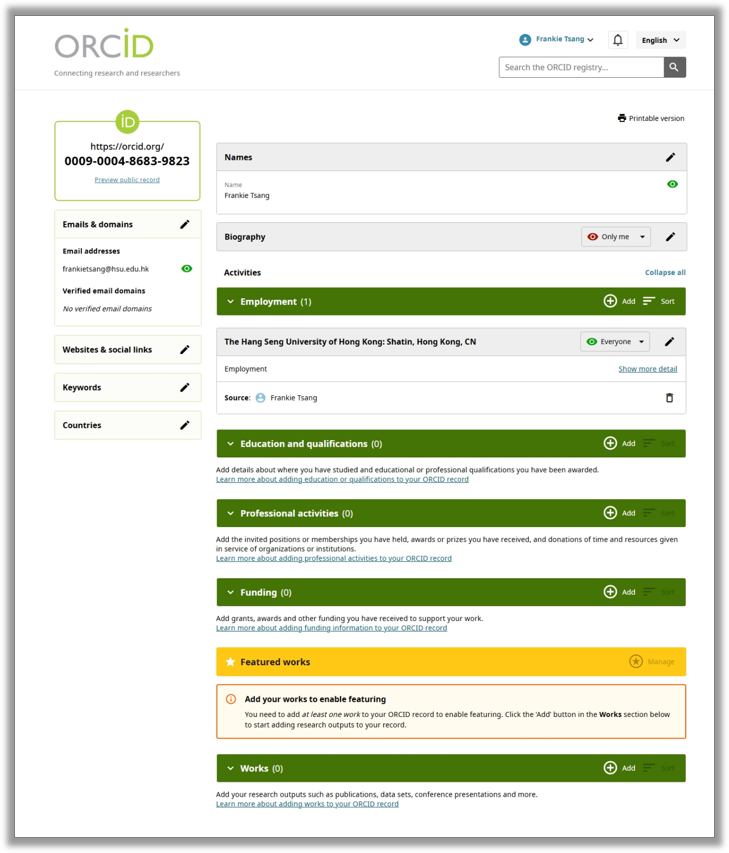
ORCID (Open Researcher and Contributor ID) is a free, persistent digital identifier that uniquely distinguishes you from other researchers. Your ORCID iD stays with you throughout your career, regardless of name changes, institutional moves, or disciplinary shifts.
Example: 0000-0003-0846-1867
An ORCID iD ensures your research outputs are accurately connected to you across publishers, funders, institutions, and databases.
Avoids confusion caused by common names or name variations.
Ensures your publications, datasets, reviews, and grants are correctly linked to you.
Reduces misattribution in citation databases and institutional systems.
Many major publishers (e.g., Wiley, Springer Nature, PLOS, IEEE) require ORCID iDs for manuscript submissions.
Increasingly, funding bodies also require ORCID for grant applications and reporting.
ORCID allows automatic, secure exchange of information among:
Publishers
Grant submission systems
Research information systems (such as: HSUHK Scholars)
Other Researcher profile platforms (such as: Scopus, Web of Science)
This reduces manual entry and ensures consistency across platforms.
Your ORCID profile serves as a centralized, public researcher page that:
Improves discoverability of your work
Provides a reliable link to your academic outputs
Helps collaborators and students find your latest publications
Because ORCID is portable, your identifier follows you even if you:
Change institutions
Shift research fields
Publish under different name formats
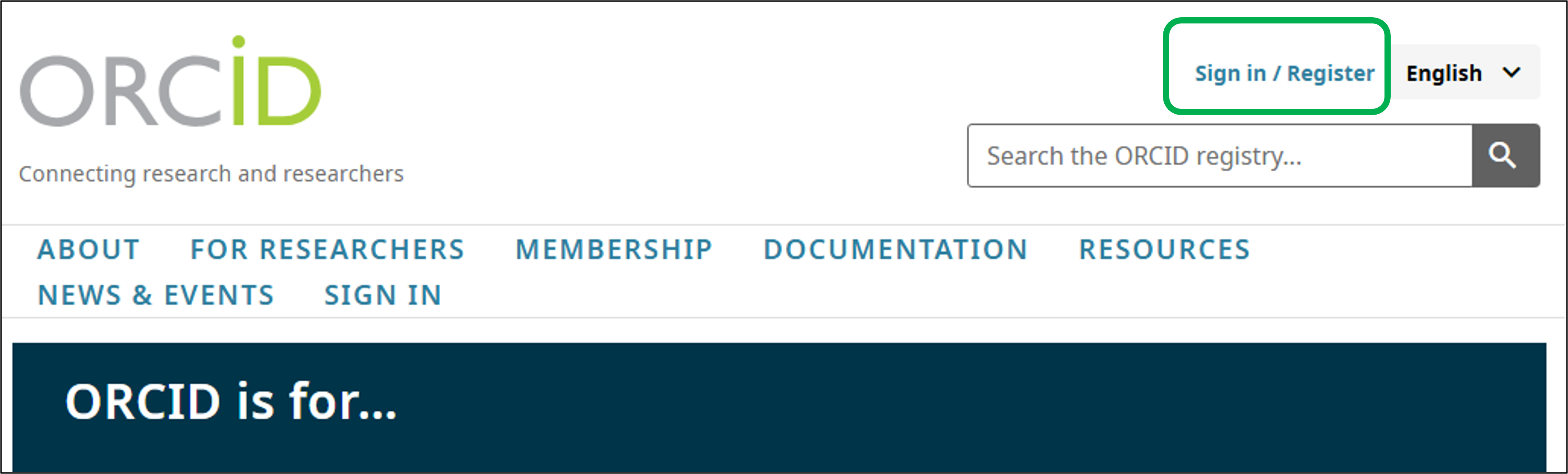
1. Visit https://orcid.org/, click Sign in / Register on the top of the page
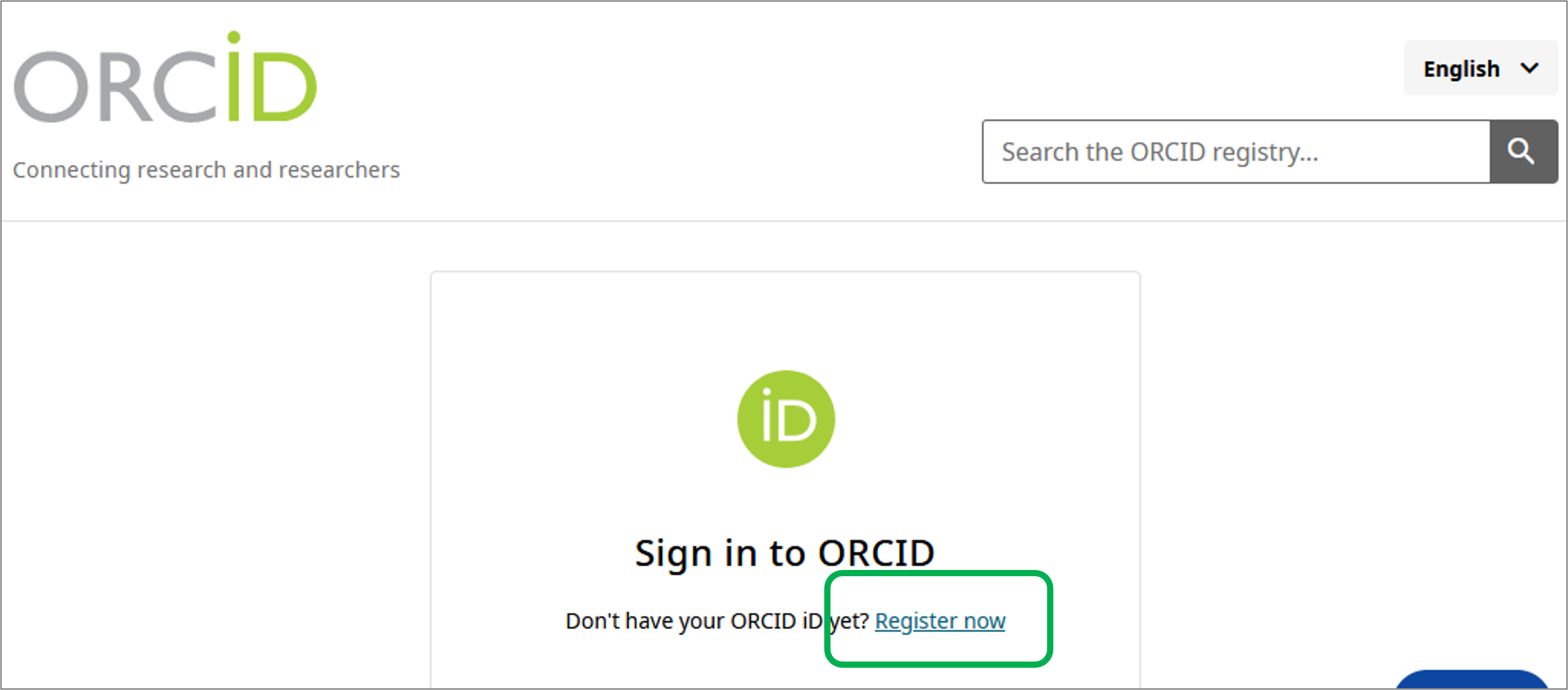
2. Click Register now
3. Enter your name and email address
Tip: Use a personal, long-term email address as your primary email (e.g., Gmail) to retain access if you change institutions. You can add institutional emails as additional email.
4. Set a password
5. Verify your email
6. Add all your activities that you'd prefer to show